How do I fix the login error message 'Bad MFA certificate for a different user' ?
Bad MFA certificate is for different user login error message will show when you input the wrong credentials in the 2FA (Two Factor Authentication) page.
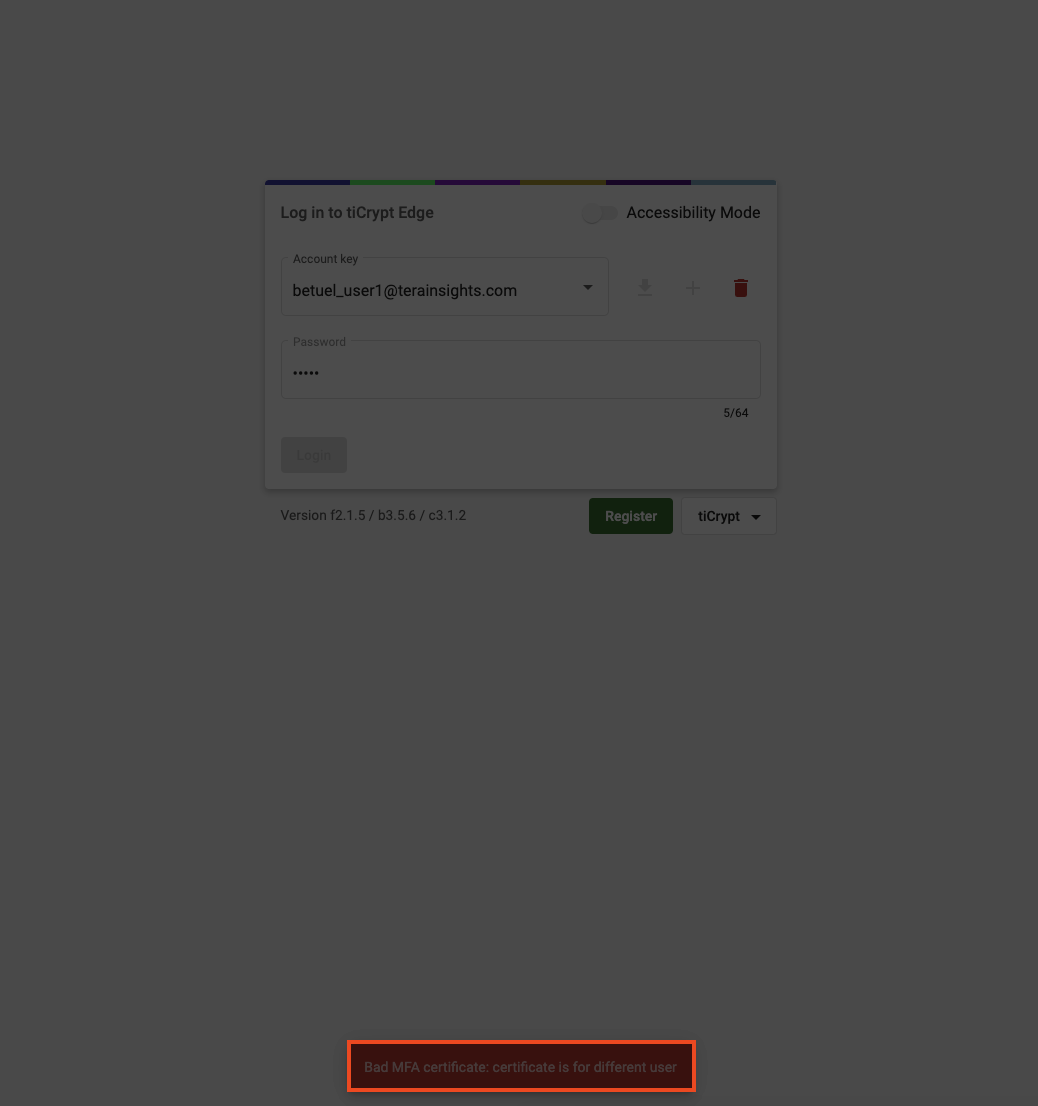
To fix this error, do the following:
- Click the
Backarrow at the top left in your browser. - Once on the login page, re-type your correct
account key(your email) andpassword. - Press on your keyboard.
- In the 2FA page, re-type your correct credientials.
Side note
The account key (your email), first and last name, contact email, department, and position must be the same as when you registered your tiCrypt account.
- Click .
- Now you have successfully logged in.